ToDo List
Quick tasks, due dates, check-off and reschedule. Ideal for shopping, work or personal plans.
Tasks, projects, appointments, car, payments and passwords — plus AI chat and task generation.
Full catalog from the app: productivity, health, tools, AI, security and localization. Each area also has a dedicated page for details.
Quick tasks, due dates, check-off and reschedule. Ideal for shopping, work or personal plans.
Projects with tasks and subtasks. The AI assistant turns a goal into a clear list of steps.
Calendar of important events with reminders so you never miss a thing.
Hourly slots, clients from Contacts, duration, conflict detection and optional add to the iPhone Calendar.
Notes with text and images (camera / gallery), easy to organize and find.
Dedicated shopping list, separate from general tasks.
Payments and due dates, with currency configurable in Settings.
Track recurring subscriptions (streaming, utilities, apps) and yearly costs.
Medications / treatments with doses, schedule and iPhone notifications.
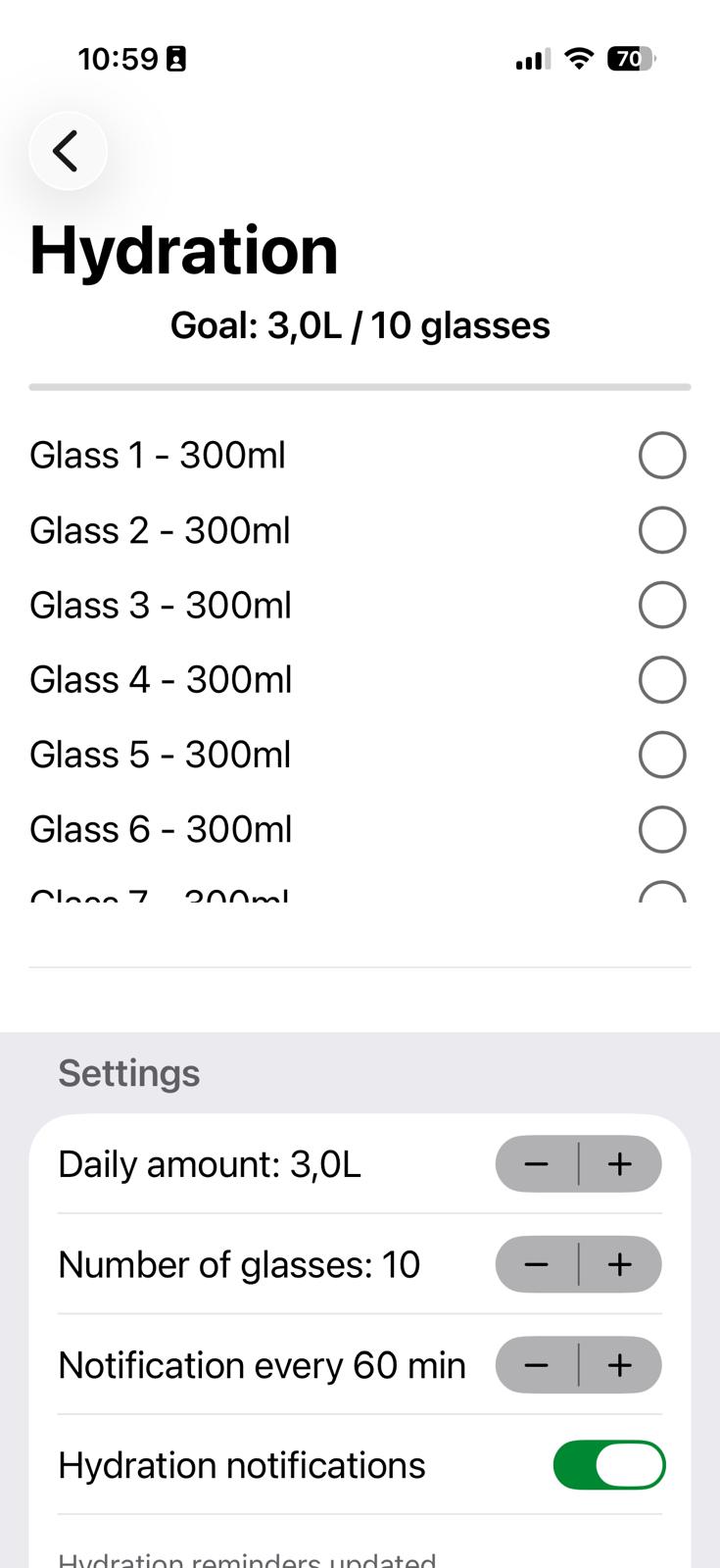
Daily goal in liters/glasses, check-off glasses and interval reminders.
Simple breathing exercises for stress moments or a quick reset.
Break reminders so you don’t sit for hours without moving.
Plan bedtime and get alerts beforehand (e.g. 30 / 15 / 5 minutes).
Multiple cars, events (MOT, insurance, service, vignette) and reminders before expiry.
Passwords stored locally and securely (Keychain), easy to find when you need them.
Local weather and multi-day forecast based on location or city.
World radio map with favorites and country lists.
Short mood journal for daily reflection.
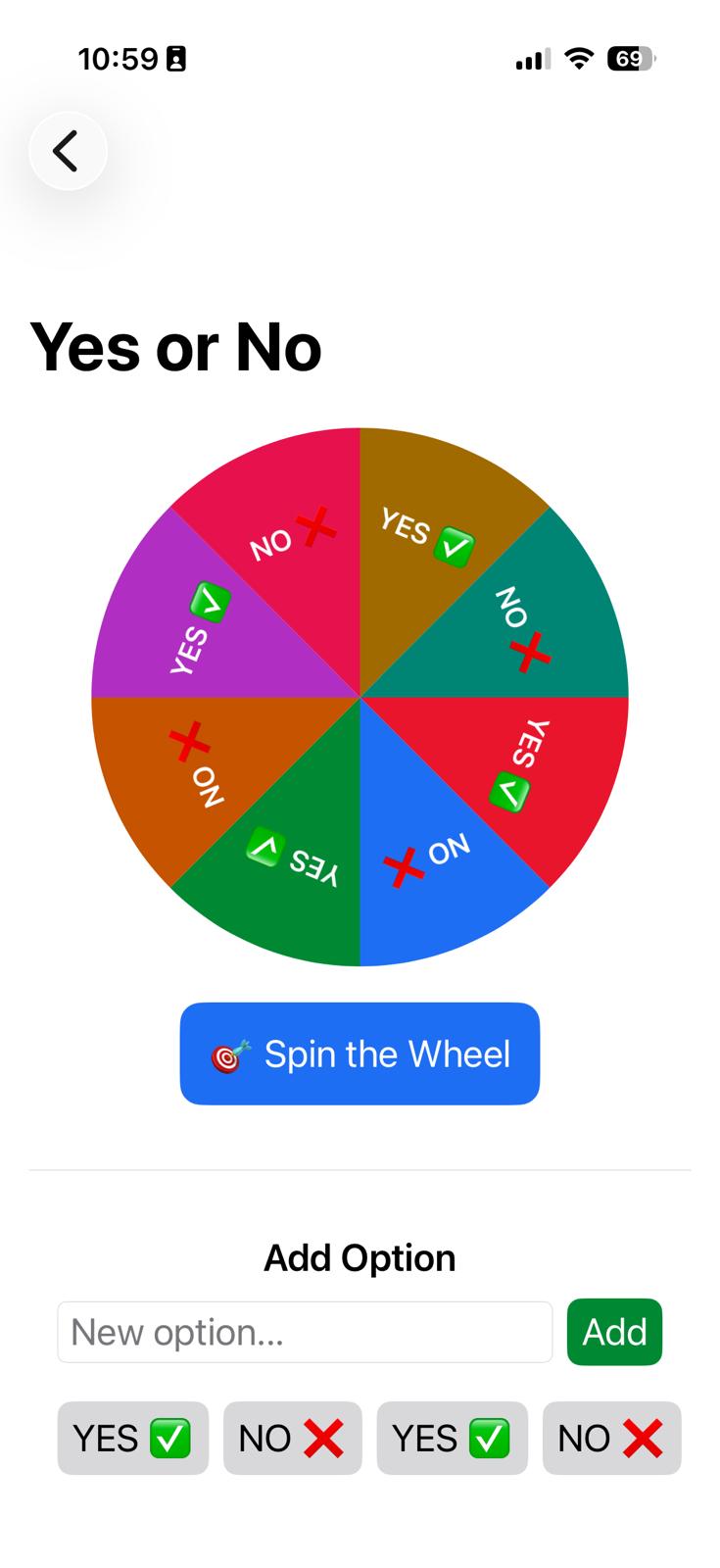
Quick wheel for simple decisions.
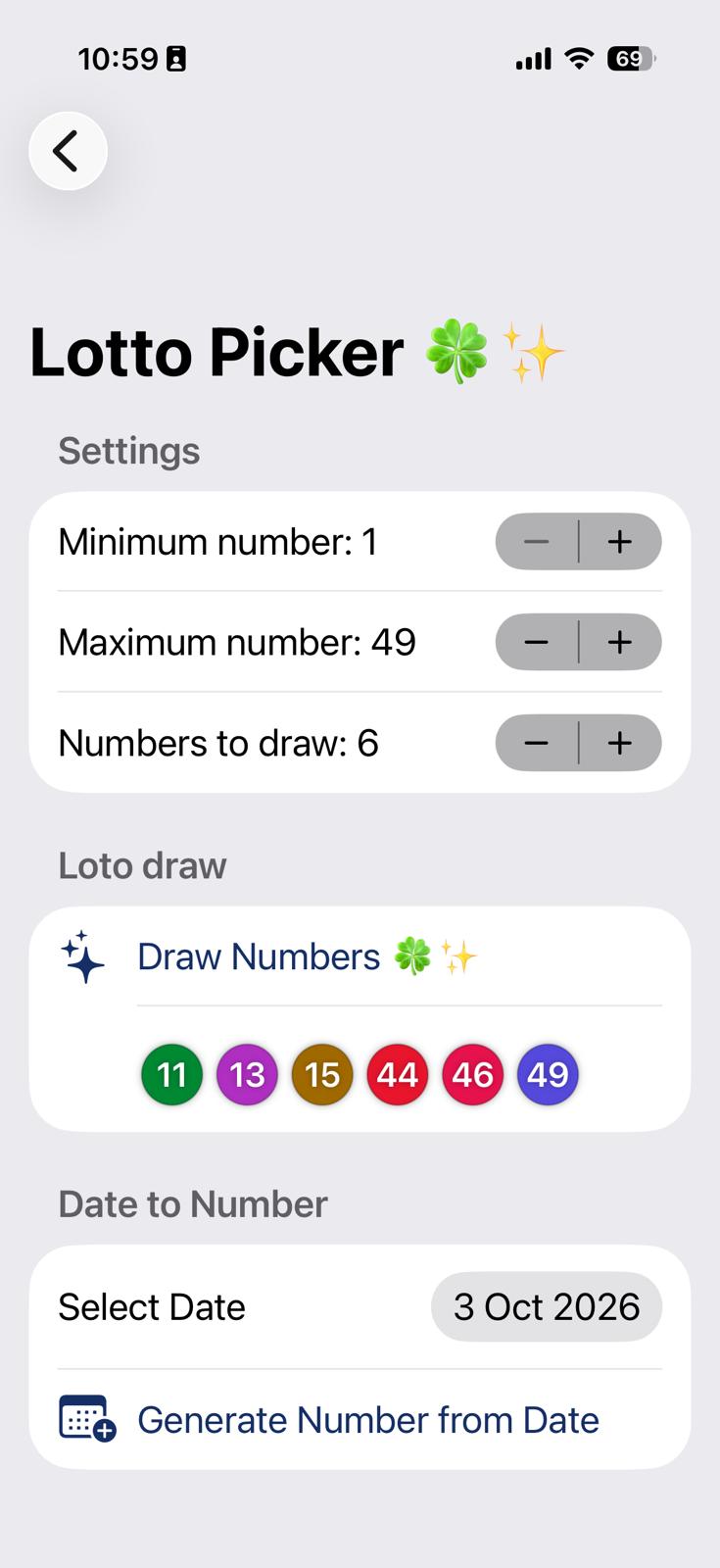
Quick generators for numbers, dice and coin flips.
Snake, Pong, Tetris and Air Patrol — short breaks without leaving the app.
Free-form chat about planning, productivity and how to use BeepMe modules. History stays on device.
Short daily productivity / wellbeing message on the home screen.
Quick summary of today or tomorrow (appointments, tasks, payments).
From a goal, AI creates 5–10 tasks with optional subtasks, ready to add to a project.
Scheduled briefings (morning / noon / evening) from Settings.
On home: counts for appointments, ToDos, project tasks, payments, car events, notes and hydration progress.
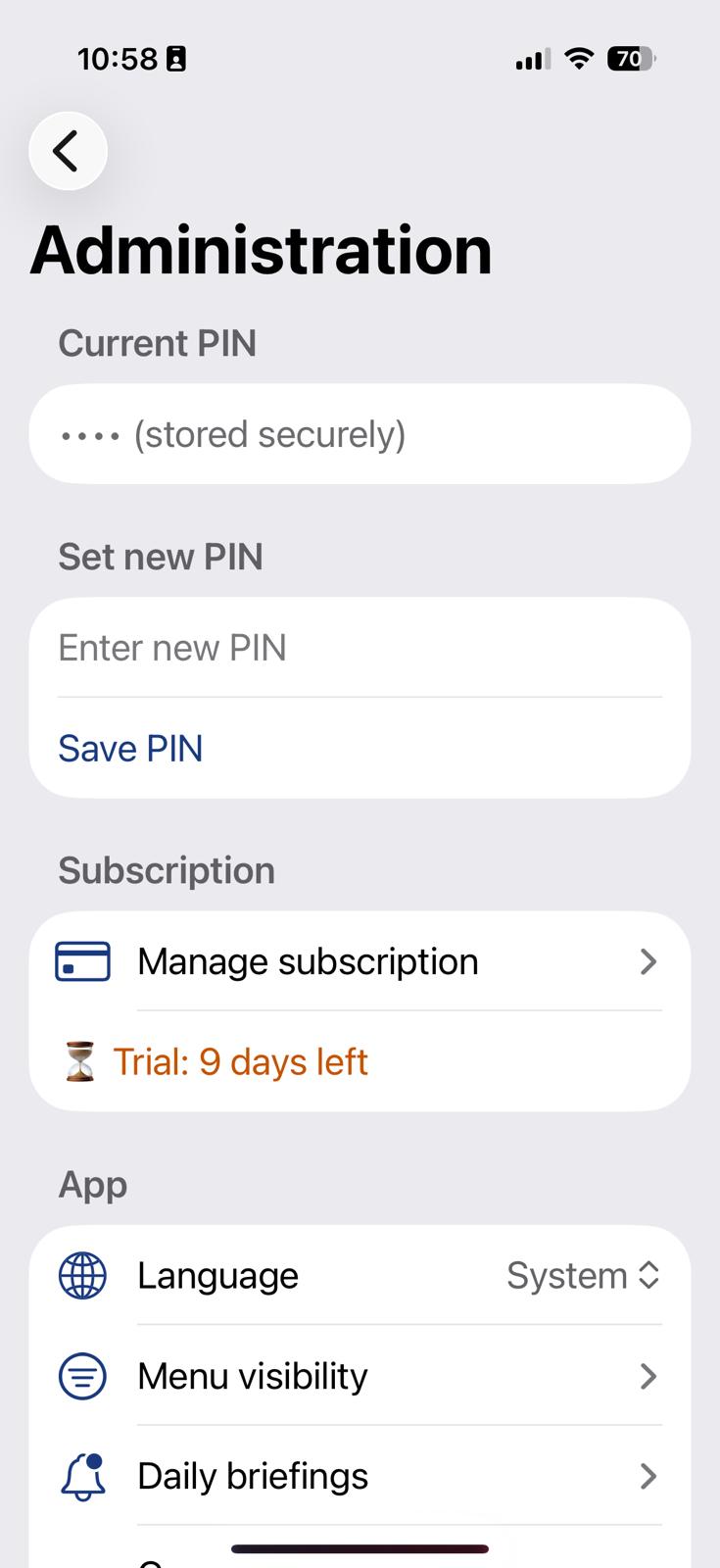
PIN / Face ID unlock; passwords and sensitive data protected on device.
UI in RO, EN, DE, ES, FR, IT, JA, ZH, HI, TR, EL; currency selectable in Settings.
14-day local trial, then 5 €/year for all modules.
Real BeepMeAI screens: overview, productivity, health, tools and more.
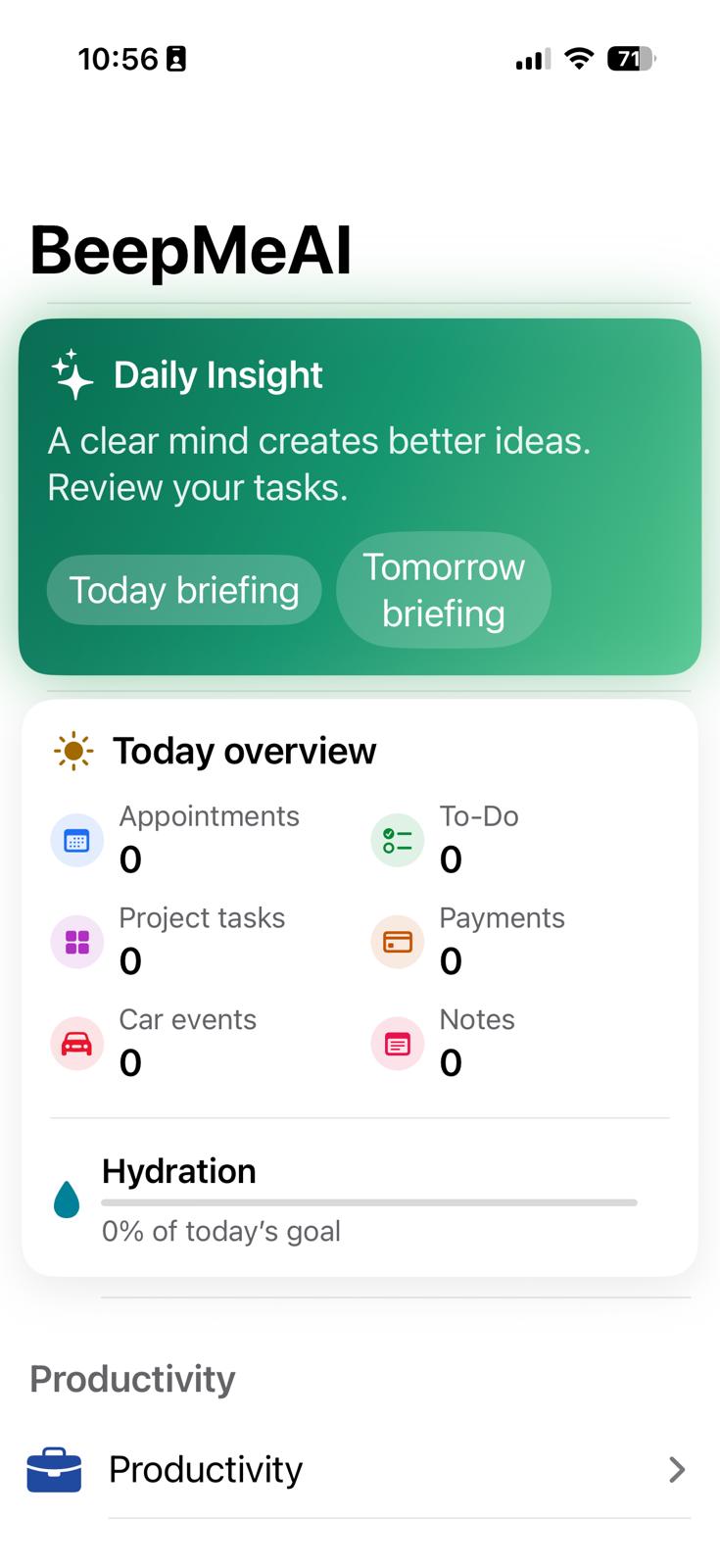
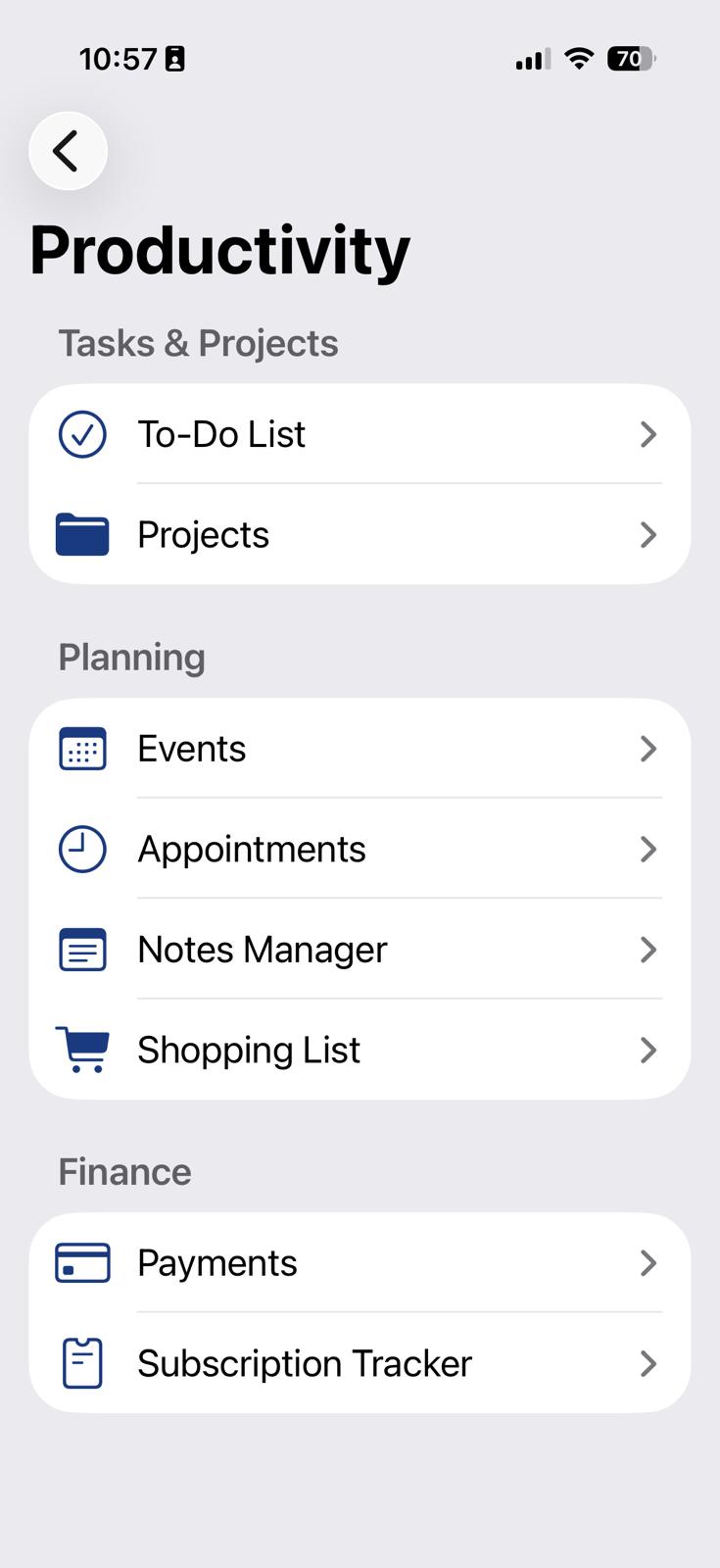
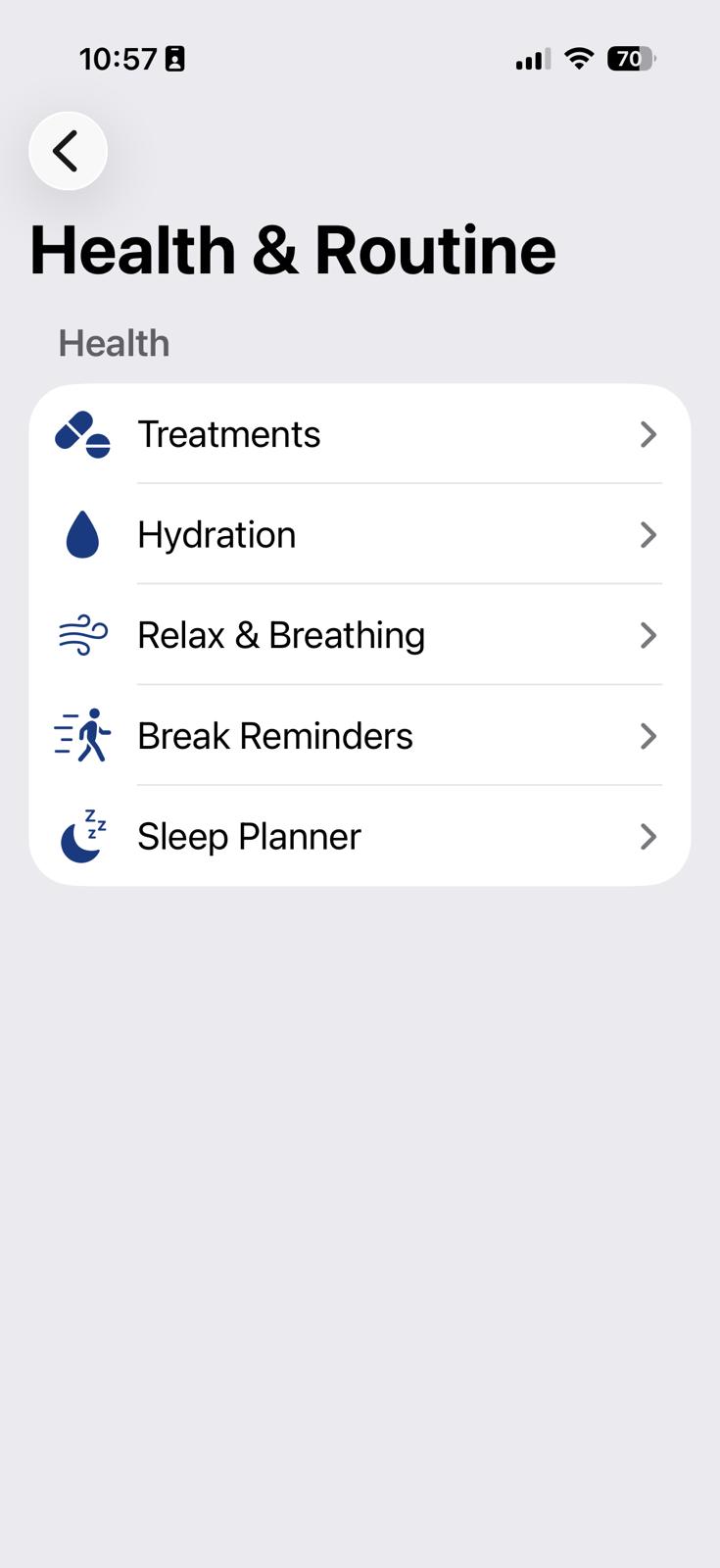
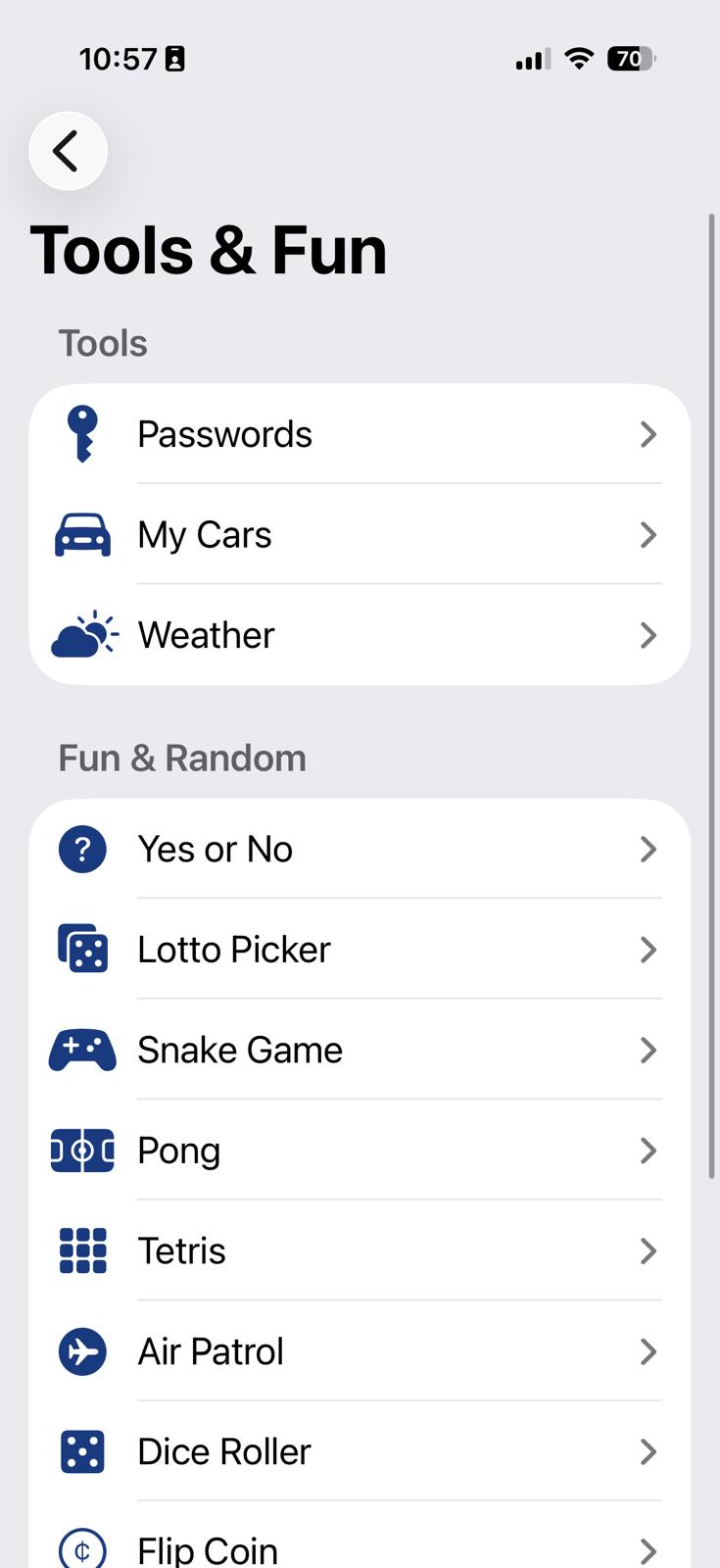
BeepMe is built to be simple enough for anyone to use – not just “very techy” people. Install it, create a few spaces and let your phone help you with the rest.
Install BeepMe on your iPhone and choose what you want to start with: ToDo list, projects, appointments, your car, payments or passwords. Start small and add more over time.
Create tasks, multi-step projects, log your appointments and events, and set reminders for car-related items and payments. Everything in the same interface, so nothing gets lost.
When a due date, appointment, service or payment is coming up, BeepMe notifies you. You decide whether to tick it off, reschedule it or turn it into a new project.
Install the beta through TestFlight. For the App Store version, the subscription price is shown before purchase and may vary by country. The 14-day local trial does not activate a subscription automatically.
No complicated plans, no monthly subscriptions. One simple price for all features.
Try it free for 14 days. Pay only if BeepMe truly helps you.
Take your time. Use BeepMe for 14 days, then decide if you want to continue.
Because the goal is to make it accessible to any iPhone owner, not just people with big subscription budgets. A small price, enough to support ongoing development.
Think of BeepMe as your digital assistant that remembers what you need to do, pay and attend. If it helps you avoid forgetting just one important thing, it has probably already paid for itself.
BeepMe is an evolving project. Reach out if you have improvement ideas, found a bug or want to use the app in a more specific way (e.g. teams, business).
You can send us an email or use the contact form on our main website.
Email: contact@softok.ro
Developer website: aristarch.ro
Our roadmap includes UI improvements, more types of smart notifications, extended “My Car” options, simple project reports and deeper integration with the iOS ecosystem.